
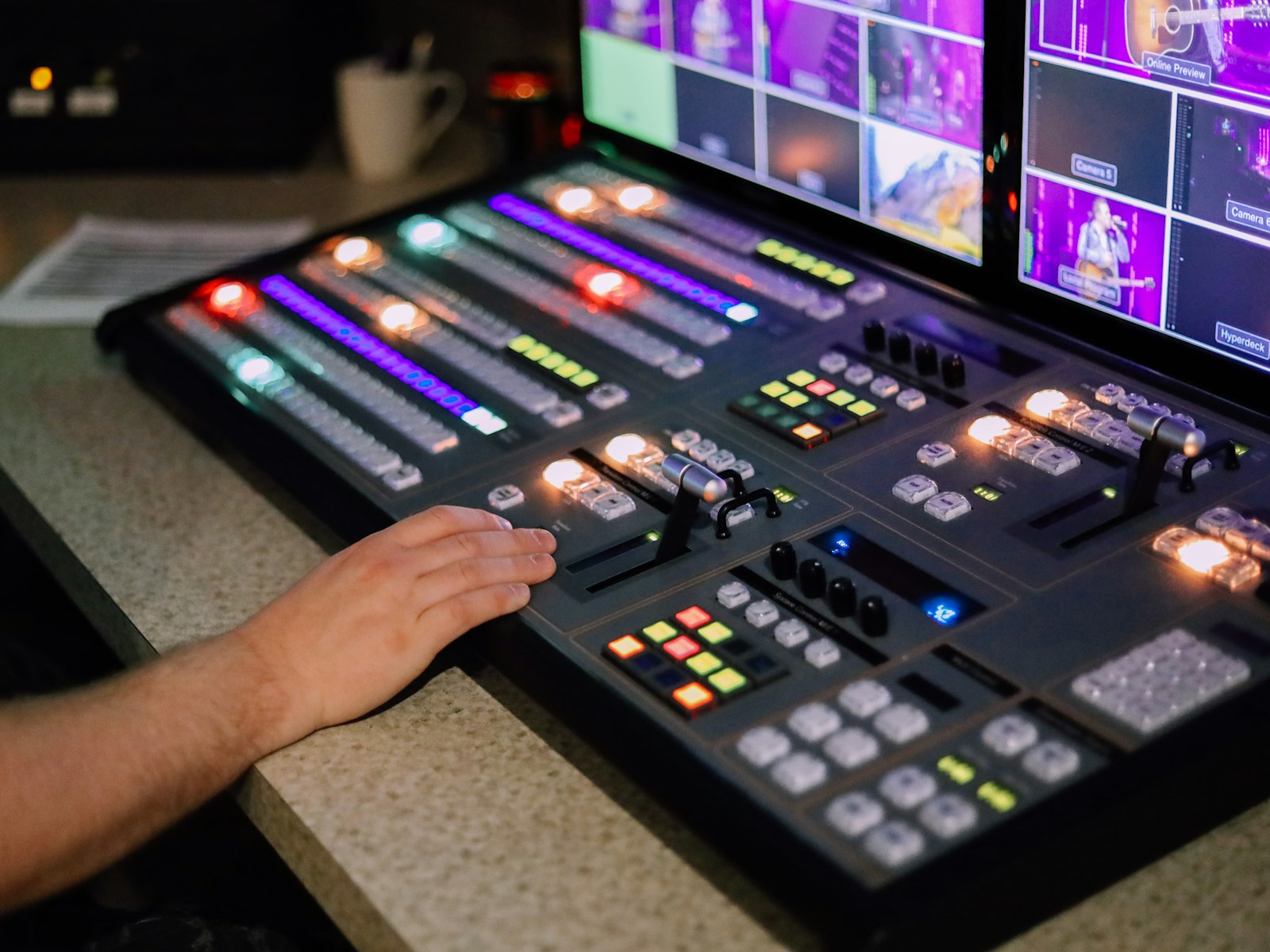
Every Sunday, in churches everywhere, a small team of volunteers runs a live production that would make a TV crew nervous: cameras, slides, lyrics, a livestream and screens for the room, all in time with a band that doesn't stop. We help churches configure LED screens, set up ProPresenter and build production booths, and we often stay on as technical and production advisers. These are the lessons that matter most when the people running it change from week to week.
Design for the least experienced person in the booth
The setup that works is the one a new volunteer can run after one walk-through. That means fewer decisions during the service, not more features. We label everything, we keep one way of doing each job, and we make the default the correct choice. If something only works when your most experienced operator is in the chair, it doesn't really work.
Put every view on one wall
A good multiview changes everything. When the operator can see every camera, the preview, the program output, the slides going to the room, the stage display and the countdowns in one place, they stop guessing. A good wall shows each camera feed alongside what's on the center and side screens, a segment countdown and a video countdown. One glance tells you what's live, what's next and how long you have.
Let ProPresenter do the remembering
ProPresenter is powerful, and that's the risk. We set it up so the structure carries the knowledge: songs live in a library with consistent formatting, each service is built from a template, and the outputs for the main screens, the side screens, the stage display and the livestream are configured once and left alone. The volunteer's job becomes pressing next at the right moment, not formatting slides at the last minute.
Treat the stage display as a tool for the people on stage
The stage display is often an afterthought. It shouldn't be. The worship leader, the preacher and the band all need different things: the current and next lyric, a clock, a countdown to the end of a segment, and a way for the booth to send a quiet message. Getting this right takes pressure off everyone on stage, and the room feels the difference.
Configure the LED screens for the room, not the spec sheet
LED walls look spectacular in a showroom and harsh in a sanctuary. We set brightness and color for the actual room and the cameras pointed at it, so the screens read well to the congregation without blowing out the livestream. We also design slide templates for the shape of the wall, with safe areas so nothing important falls on a seam or behind the pulpit.
Rehearse the transitions, not the songs
Bands rehearse songs. Production teams should rehearse the moments in between: the walk-up for the sermon, the switch to a video, the offering, the altar call. That's where things go wrong. A short run-through of each transition before the service catches most problems while there's still time to fix them.
Write it down, then keep it short
Every booth needs a one-page checklist for before, during and after the service, and a short guide for each position. Long manuals don't get read. A single page taped to the desk does. We revisit these documents whenever a new problem shows up, so the team's experience builds up in the checklist instead of leaving when a volunteer moves on.
Advice is part of the setup
Equipment and software are only half the job. The other half is helping a team build habits and confidence. Staying on as an adviser means we can answer the Saturday-night question, review a service that didn't go to plan and suggest the next small improvement. That's how a volunteer team gets steadily better, week after week.